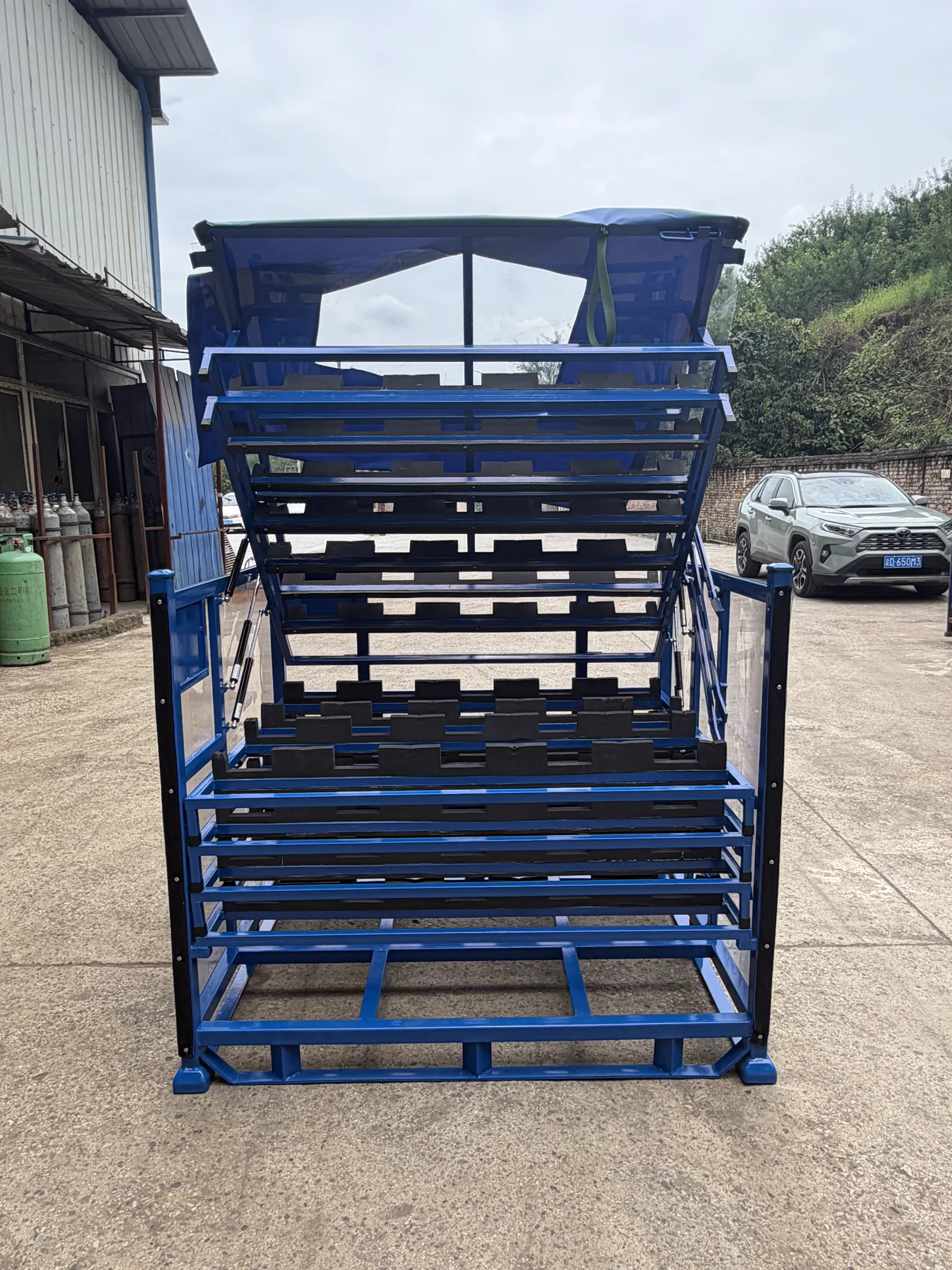
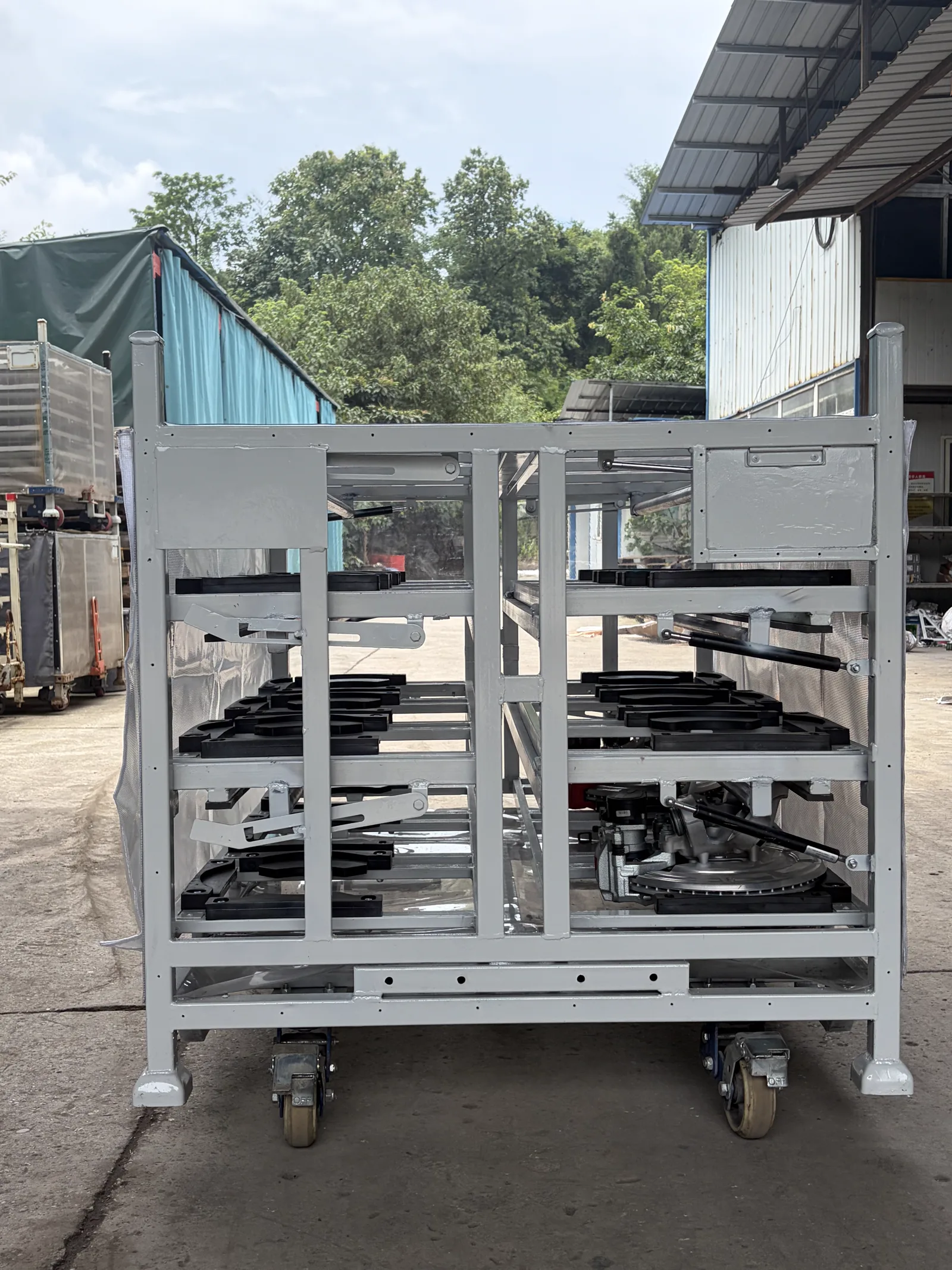
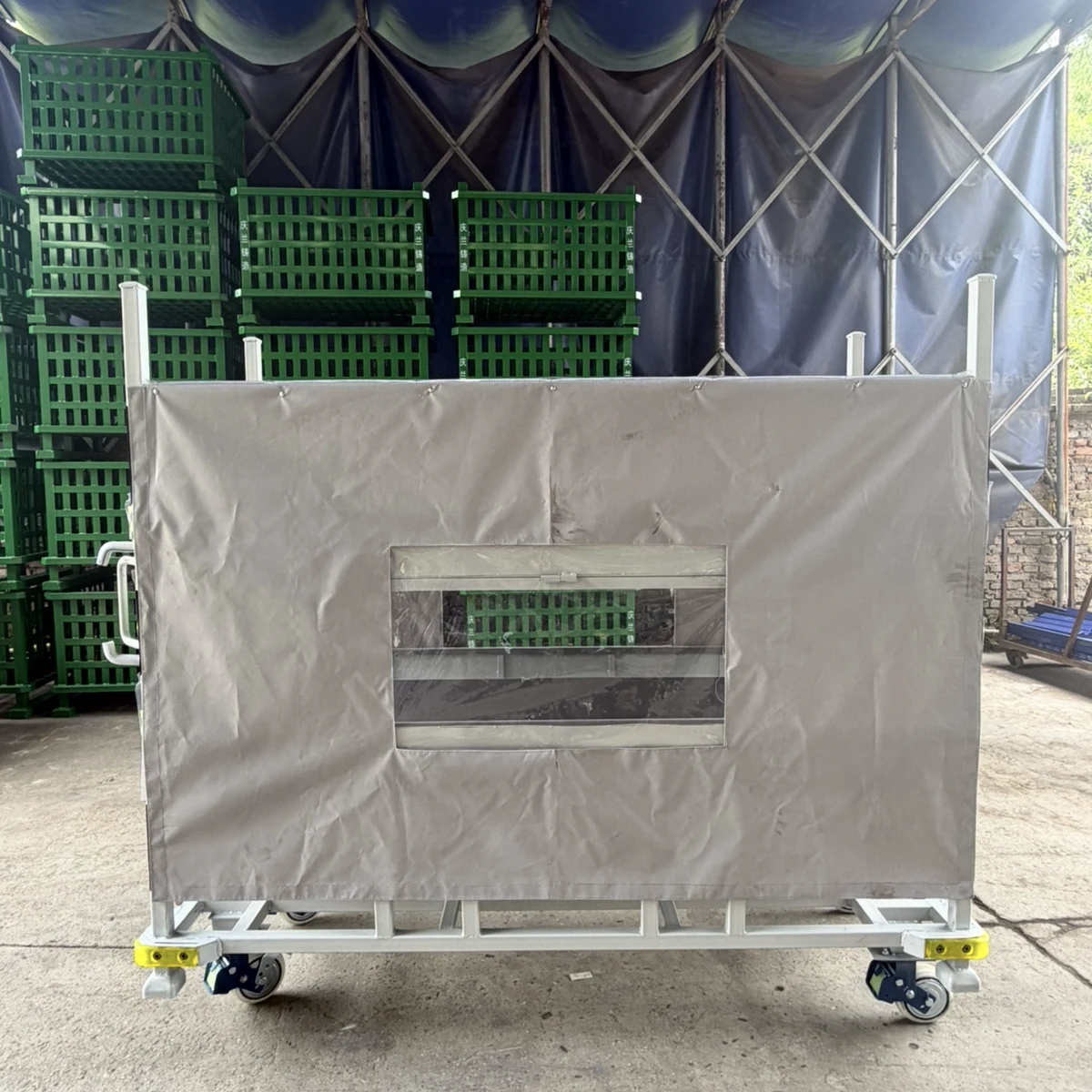
Returnable Container Label Placement for Faster Handoffs

Place a returnable-container label where the next operator can see it without moving a strap, opening a panel or changing the container orientation. Map the ship, fork and receiving views first. If those views expose different faces, compare adjacent duplicate placards or a protected holder, then walk the loaded and empty route with a representative container. Send the supplier the label size, holder type, scan method, blocked zones and required identity fields with the container drawing.
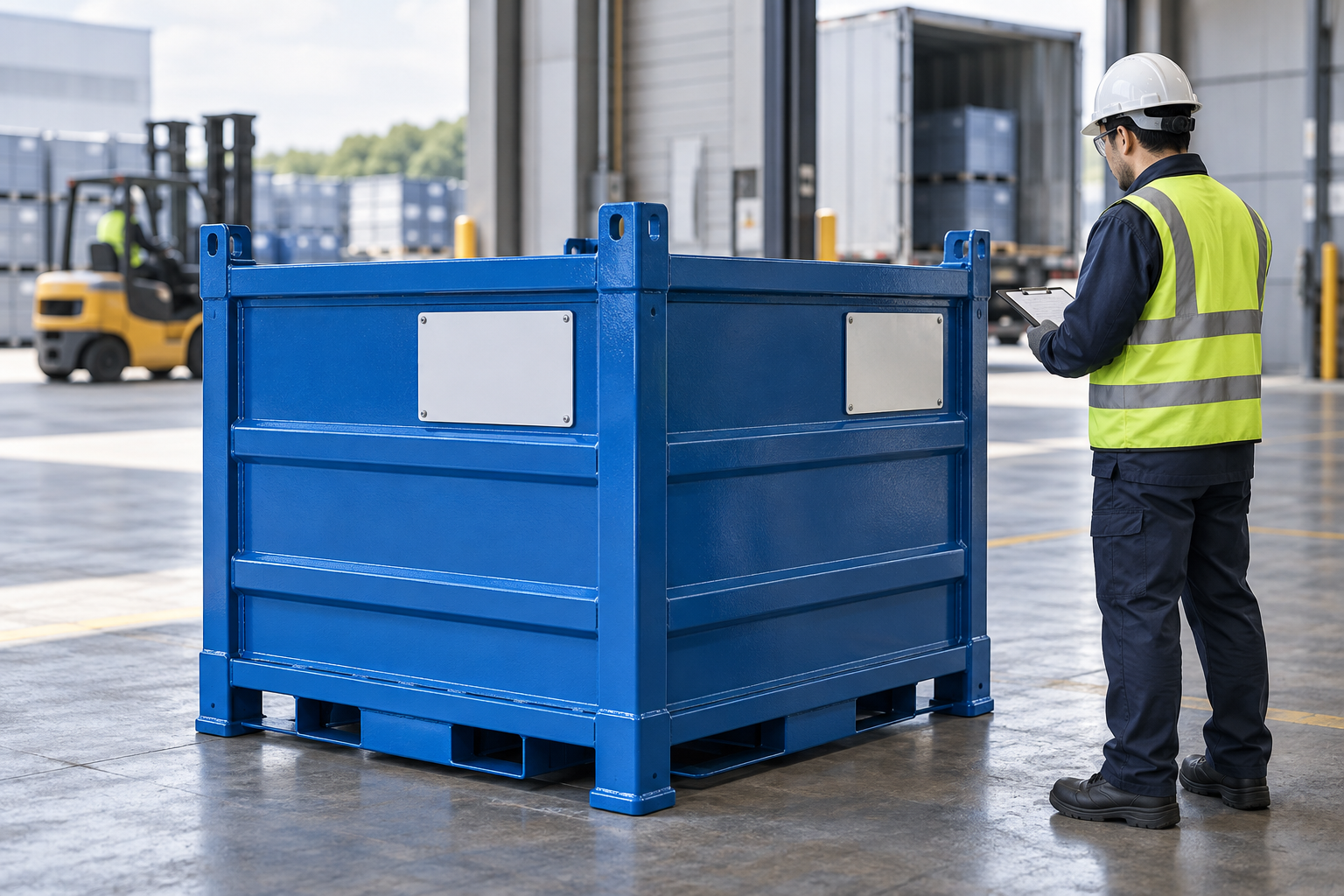
Put a returnable-container label on the face the next team can read at the moment of handoff—not simply on the face that is easiest to reach during fabrication. Map how the loaded unit leaves the supplier, how forks or a truck present it, and how receiving sees it. If a strap, door, stack or adjacent unit hides that face, move the placard or specify a second readable face. The drawing should show the holder, label size, protected zone and which identity remains visible in each handoff view.
This is a physical container-layout decision, not a tracking-software decision. The PR3 marking and labeling standard treats reusable-container marking as part of the system, while automotive supplier guidance from ZF LIFETEC shows why available label surface and readable faces need to be considered in returnable-container design. Your programme's own label content and acceptance rules remain the controlling source.
Choose the label face from the next action
| Next action | What can hide the label? | Useful drawing decision |
|---|---|---|
| Supplier dispatch check | Stretch wrap, document pouch or a closed gate. | Keep the outgoing face clear of temporary shipping material. |
| Forklift pickup or cross-dock | Fork mast, adjacent stack or the long side facing a wall. | Show the viewing direction with fork-entry orientation. |
| Receiving scan or count | End frame, strap, folded panel or an inaccessible interior card. | Use the face presented to the receiver; add an adjacent face only when the route needs it. |
| Empty return | Collapsed panels, nested units or removed loose components. | Check that the empty configuration still shows the intended identifier. |
Fits a route that always presents the same side. Check stacked and forked views.
Fits receiving from either side. Keep the displayed identity synchronized.
Use a sleeve or plate where the card needs protection; check scan angle and replacement access.
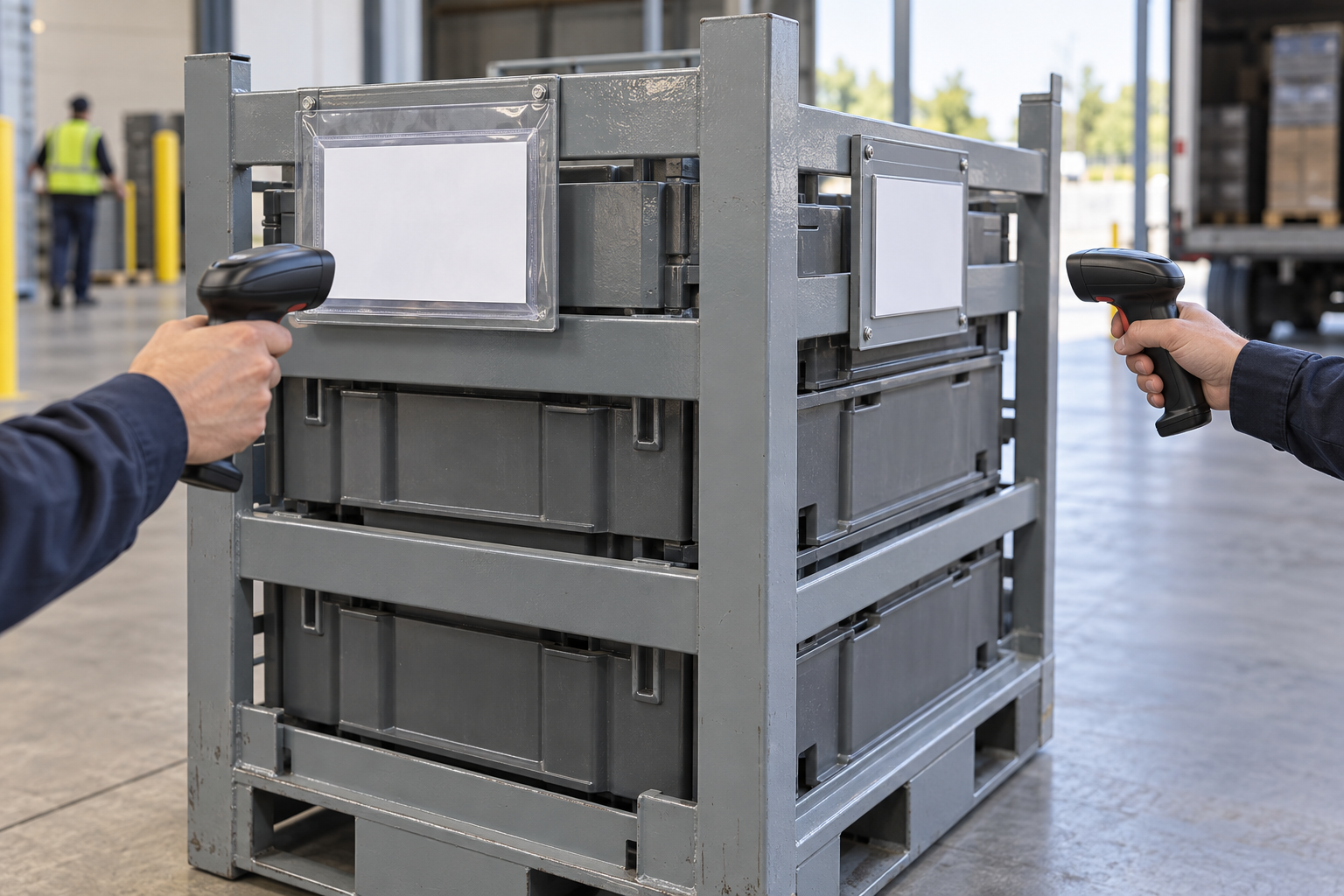
One face, two faces, or a protected holder?
A single fixed face can work when every departure and receipt consistently presents the same side. Adjacent readable faces are worth comparing when a container arrives at a cross-dock, line side or storage bay from different directions. A sleeve, pocket or rigid placard may be useful where a loose card needs protection, but it must still be accessible for the intended reader or scan. IFCO's reusable-crate guidance illustrates the same practical point: placement must account for the container surface, edges and the way the label is used and removed; its food-crate instructions are not a specification for an industrial steel container.
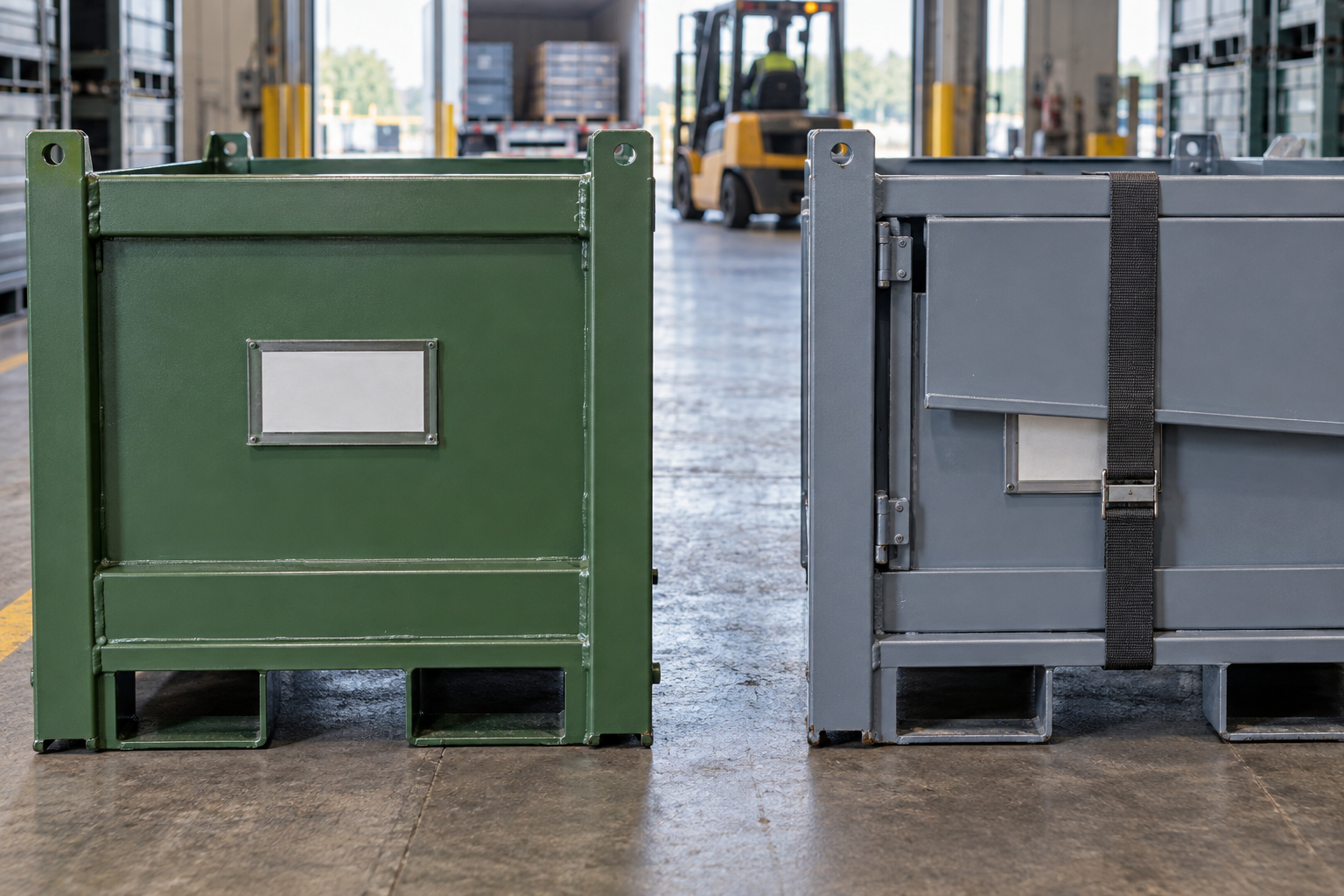
Make the label position part of the RFQ package
Send the container drawing or outside dimensions, loaded and empty views, label or placard dimensions, required content owner, scan or reading method, every handoff direction, strap/door/panel locations, forklift entry, stack views and destination requirements. Ask the supplier to mark the holder position and any duplicate face on the proposed drawing. For the wider physical layout, see the return-loop handoff data guide, the packaging change-notice guide and the prototype-to-production validation guide.
- Map each handoffShip, fork and receive positions may expose different faces.
- Mark blocked zonesInclude doors, straps, stacks and equipment clearance.
- Select a faceCompare one face, adjacent faces or a protected holder.
- Walk the real viewCheck the loaded and empty route before releasing the drawing.
Five steps to put the label where the handoff needs it
- Map every handoff. Show how the loaded container leaves, is moved and is received, plus the empty-return view.
- Mark blocked zones. Add straps, pouches, doors, folded panels, stacks and equipment clearances to the same container views.
- Compare placard faces. Choose one readable face, adjacent faces or a protected holder based on the real approach directions.
- Walk the physical view. Use a representative container to check that the required label is visible and reachable in loaded and empty handoffs.
- Release the layout. Put holder position, label size, required identity and project acceptance criteria on the controlled drawing.
Request a custom container layout
Planning a custom returnable rack or container? Send the part and route, container sketch, handoff photos, label/placard size, required readable faces, handling equipment and quantity through the customization RFQ form. HAOFU can review the physical container layout around the inputs you provide; site label rules and scan acceptance remain buyer-defined.
Frequently Asked Questions
- Where should a returnable-container label go?
- Put it on the face the next shipper, fork operator or receiver can see without moving a strap, opening a panel or turning the unit. Confirm that view in the loaded and empty configurations.
- Do returnable containers need labels on two sides?
- Only when the actual route requires more than one readable approach or a buyer specification says so. Show the required faces and identity on the controlled drawing rather than assuming a universal number.
- Can a strap or document pouch cover a container placard?
- Avoid relying on a label that is hidden during the handoff where it must be read. Map temporary straps, pouches, doors and stacked units before selecting the placard position.
- Should the label be inside the returnable container?
- An internal card may help an internal process, but it cannot replace an external identifier when receiving or handling needs to identify the closed container. Match the location to the action that needs the information.
- What should I send for a custom label-holder layout?
- Send container drawings or dimensions, loaded and empty views, label size, required content, reader or scan method, handoff photos, blocked zones, forklift direction, stack views, quantity and destination requirements.