
Online Rack RFQ Builder
Organize part, handling, carrier, return-loop, inspection and commercial requirements. Use TBC for unknowns, then download or send the RFQ.
Tell us what you need
A short description and one contact method are enough to start. Add a photo or drawing if you have one.
The builder collects RFQ information. Final rack design, capacity and stacking configuration are confirmed through project-specific engineering.
Configuration views
Relevant HAOFU product and process views for online custom rack RFQ builder.
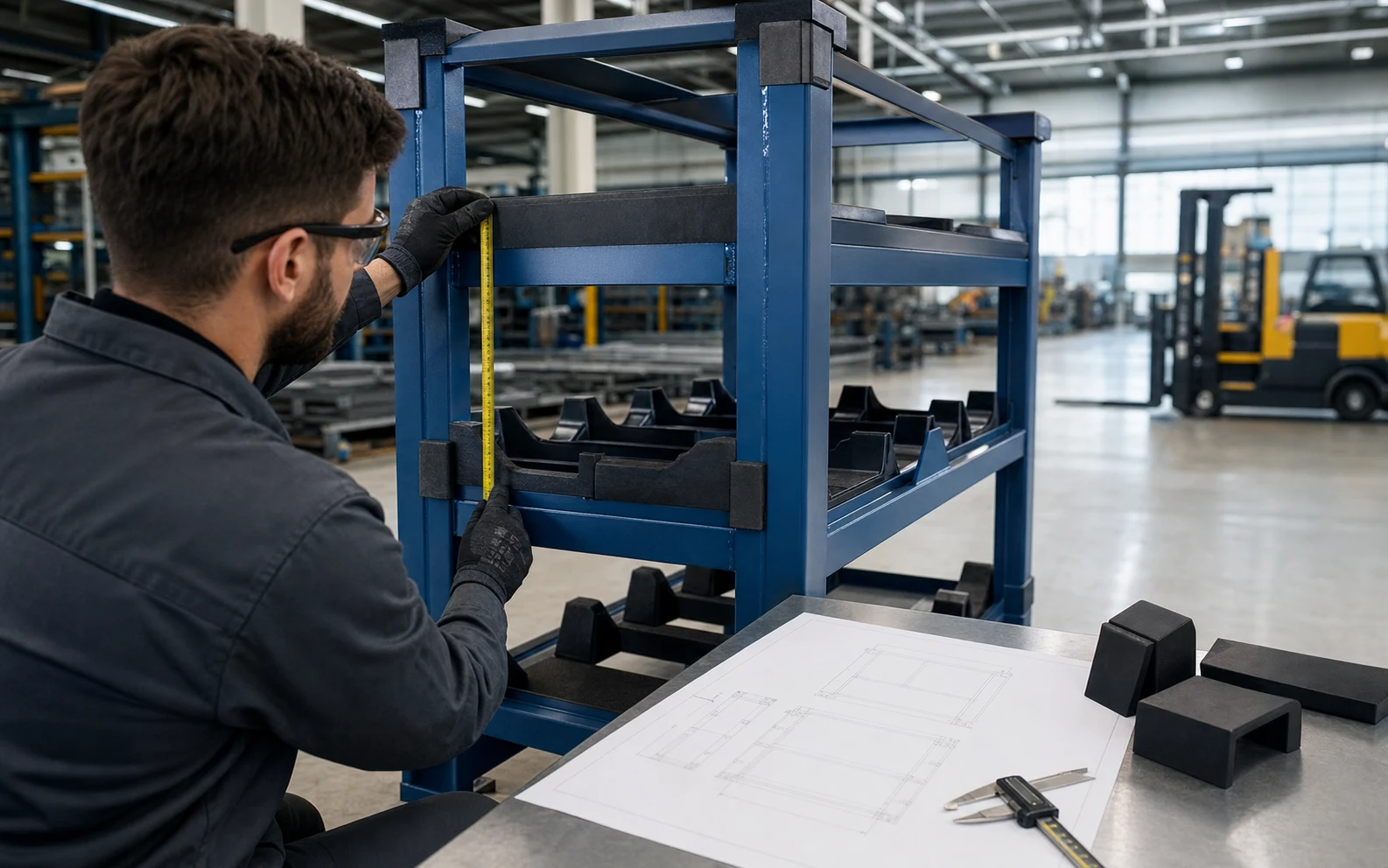
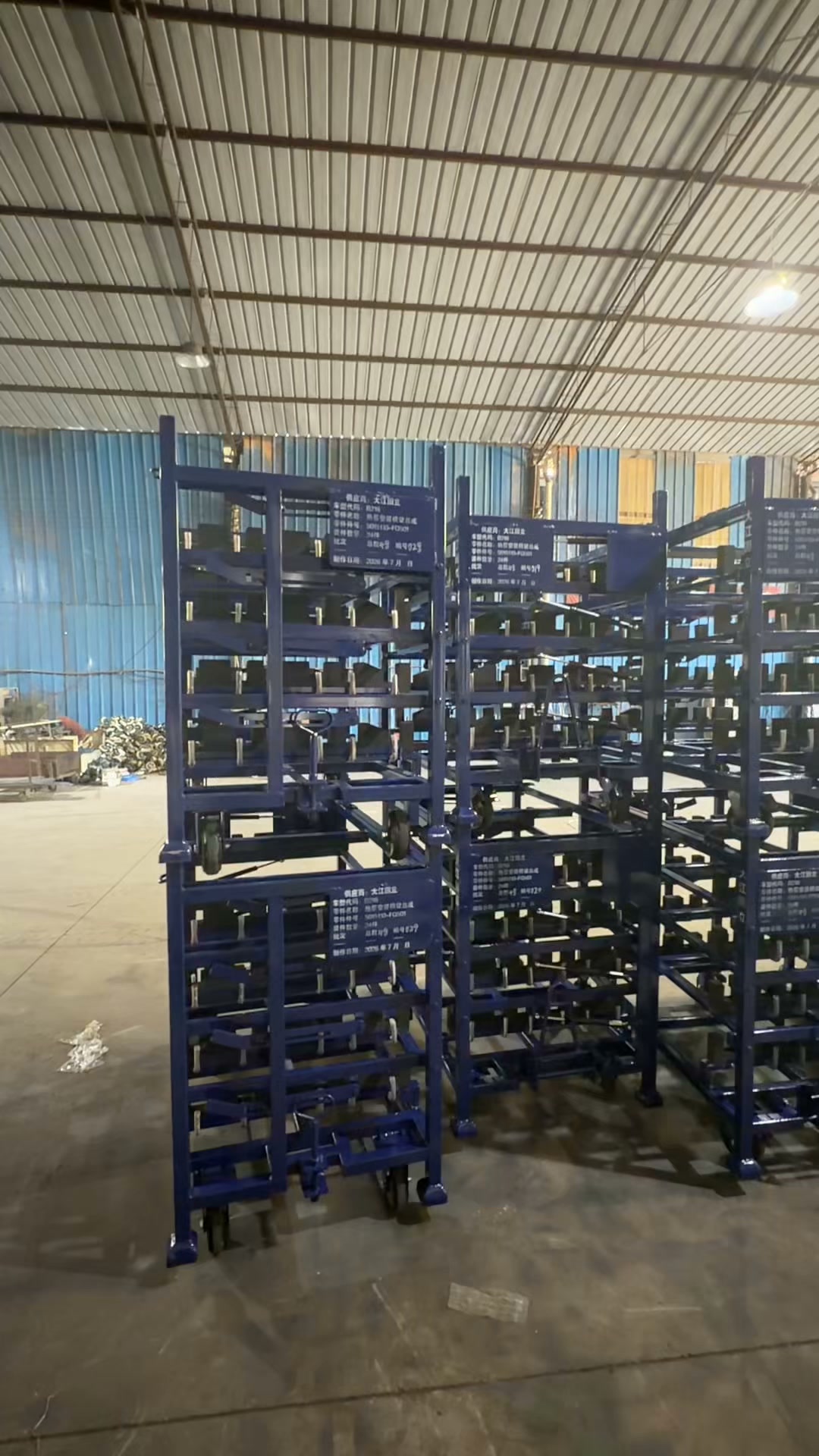
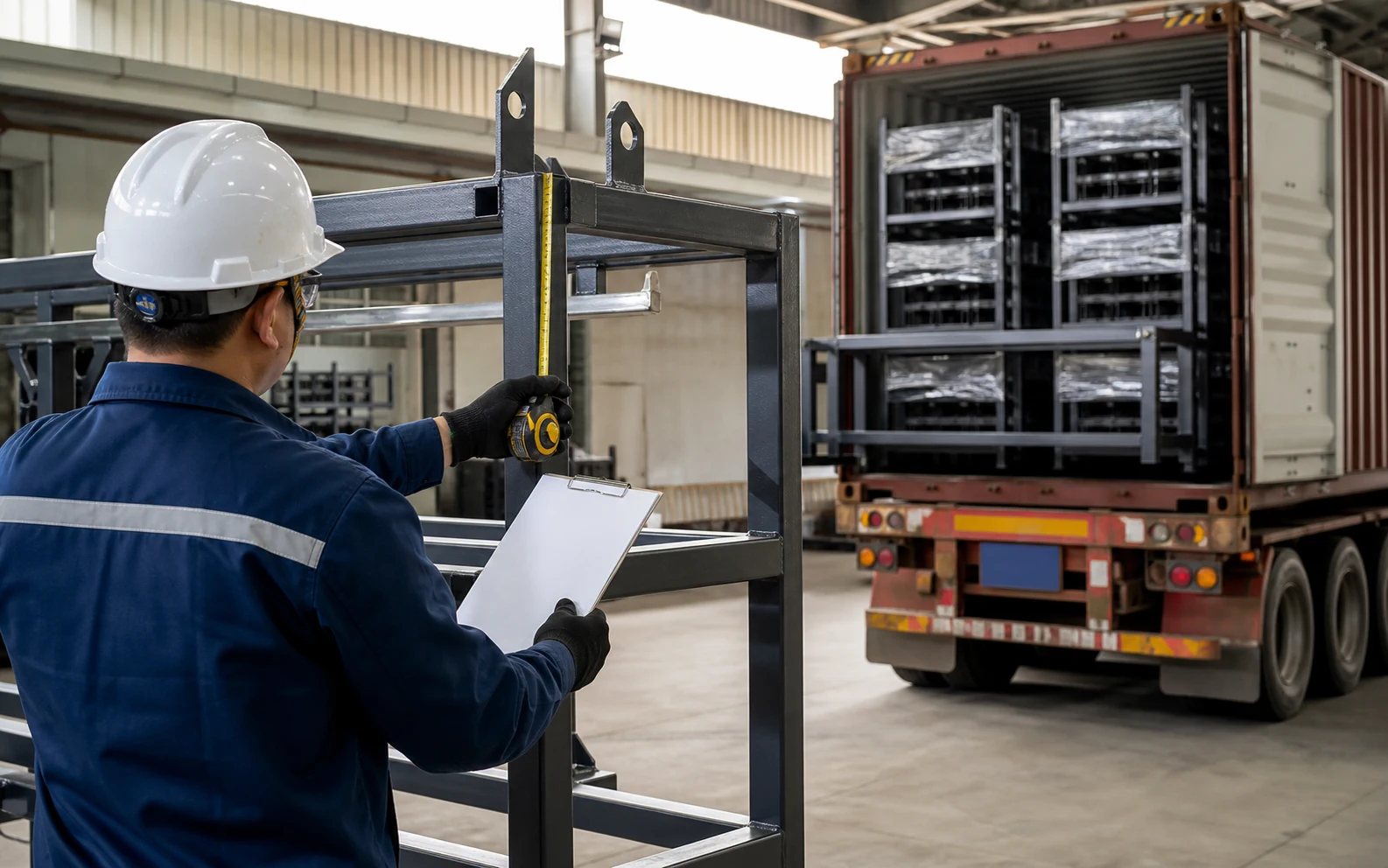
Configuration comparison
Compare routes for how to turn available project data into a comparable supplier brief
Use the route that matches the current buying decision and the source data already available.
| Configuration | Use it when | Main trade-off | Send with the RFQ |
|---|---|---|---|
| Product-led enquiry | The buyer has selected the equipment family for how to turn available project data into a comparable supplier brief. | Fast commercial route; still needs controlled load and interface inputs. | Open /resources/rack-rfq-builder and send the drawing, route, quantity and destination. |
| Application-led review | The buyer knows the factory task but has not chosen a rack, trolley, pallet or container. | Keeps configuration options open; the operating sequence must be described clearly. | Part or load, start/end stations, handling equipment, storage and return state. |
| Engineering-led review | Contact, access, automation or approval interfaces need joint development. | Best for complex custom work; requires controlled files and named approval inputs. | CAD or drawings, contact map, equipment interfaces and acceptance requirements. |
From requirement to quotation
From online custom rack RFQ builder research to an RFQ
Keep informational research connected to a product or service page that owns the commercial enquiry.
- 1
Choose the buyer task
Define how to turn available project data into a comparable supplier brief in operational terms.
Output: Clear search and sourcing intent
- 2
Collect source inputs
Gather the part or load drawing, mass, contact restrictions, route and equipment interfaces.
Output: Controlled requirement
- 3
Use the Money Page
Continue to /resources/rack-rfq-builder for the commercial product or service scope.
Output: Correct transaction owner
- 4
Send an RFQ
Attach quantity, destination, timing and the sample or approval checks your team needs.
Output: Comparable supplier proposal
| Buyer input | Why it matters | Where to continue |
|---|---|---|
| Part or unit-load drawing | Controls contact, clearance and carrier geometry | /resources/rack-rfq-builder |
| Handling route and equipment | Controls access, base and transfer interfaces | Customization or RFQ |
| Quantity, destination and timing | Supports commercial scope and delivery discussion | Request Quote |
Online Rack RFQ Builder — Frequently Asked Questions
Who is this Online Rack RFQ Builder page for?+
It is written for buyers organizing part, handling, return and commercial inputs who need to decide how to turn available project data into a comparable supplier brief.
What should I prepare before contacting HAOFU?+
Prepare the controlled part or load drawing, mass, permitted contact points, handling route, equipment interfaces, quantity and destination. A photo can start the discussion when drawings are not yet available.
Where should commercial supplier enquiries go?+
Use /resources/rack-rfq-builder as the primary commercial route, then attach the project inputs requested on that page.
Can HAOFU quote before every technical value is known?+
An early discussion can begin from photos and confirmed project notes. Identify unresolved inputs clearly so the engineering review can address them before the final configuration is fixed.
How are project-specific values confirmed?+
Dimensions, interfaces and acceptance needs are tied to the controlled project drawing, agreed sample or review plan rather than copied from another page or photograph.