
Fast, simple contact
Tell Us What You Need
Send a short description and one contact method. A photo or drawing helps, but it is optional.
Tell us what you need
A short description and one contact method are enough to start. Add a photo or drawing if you have one.
Not sure about size, capacity or quantity yet? Send what you know. We will ask only for the details needed to prepare the next step.
Configuration views
Relevant HAOFU product and process views for custom rack RFQ.
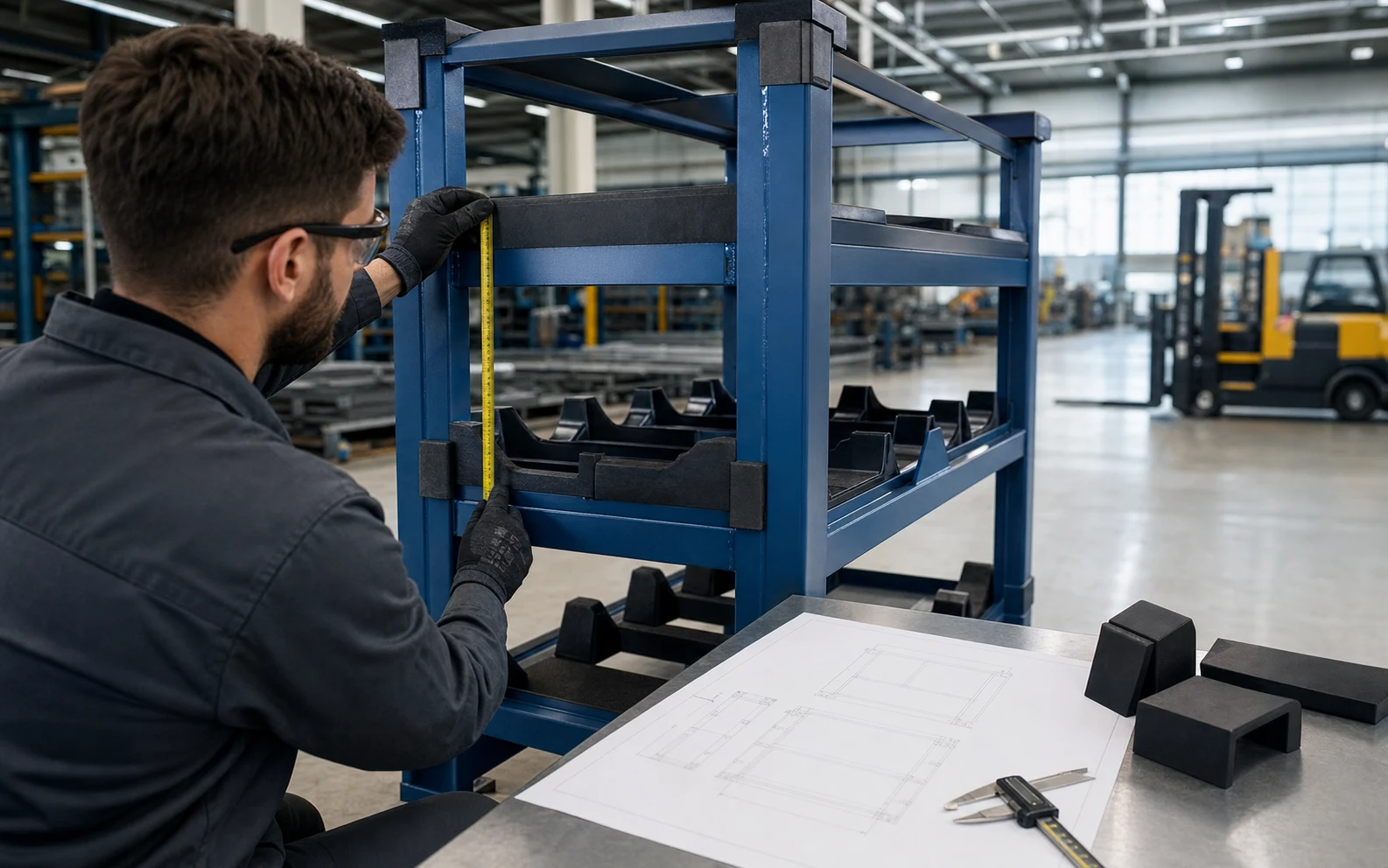
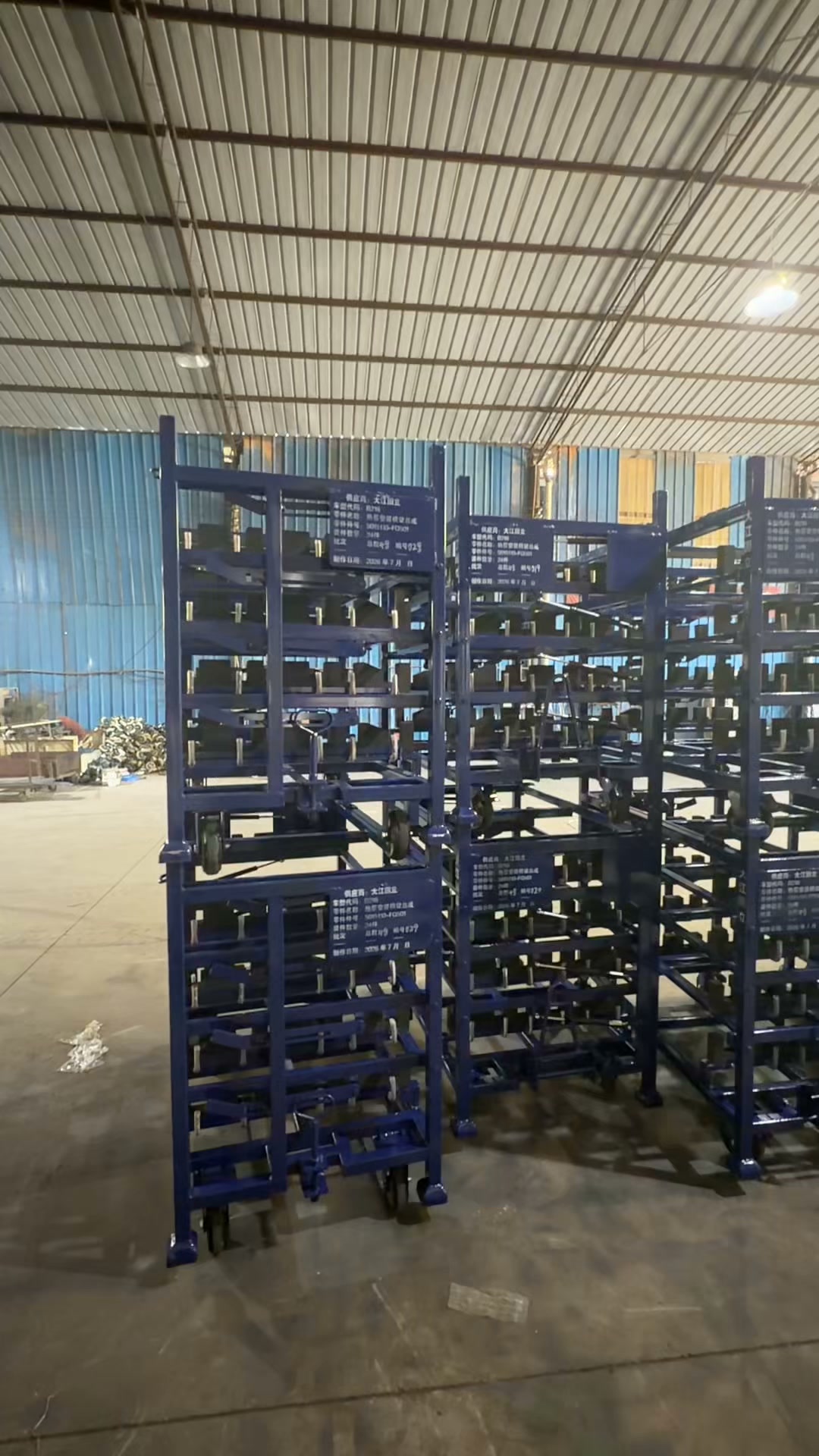
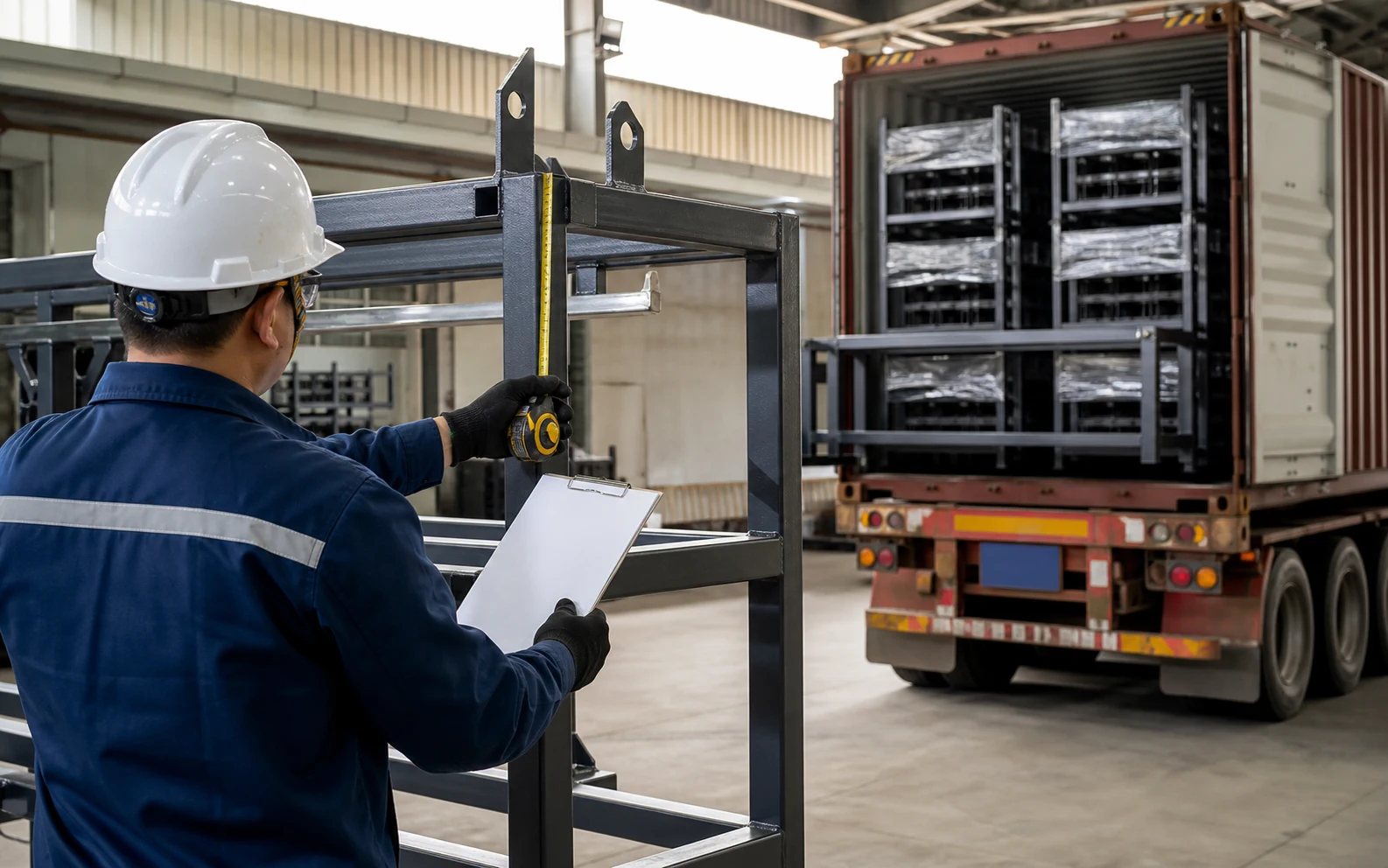
Configuration comparison
Compare routes for what information a supplier needs to review and quote the requirement
Use the route that matches the current buying decision and the source data already available.
| Configuration | Use it when | Main trade-off | Send with the RFQ |
|---|---|---|---|
| Product-led enquiry | The buyer has selected the equipment family for what information a supplier needs to review and quote the requirement. | Fast commercial route; still needs controlled load and interface inputs. | Open /rfq and send the drawing, route, quantity and destination. |
| Application-led review | The buyer knows the factory task but has not chosen a rack, trolley, pallet or container. | Keeps configuration options open; the operating sequence must be described clearly. | Part or load, start/end stations, handling equipment, storage and return state. |
| Engineering-led review | Contact, access, automation or approval interfaces need joint development. | Best for complex custom work; requires controlled files and named approval inputs. | CAD or drawings, contact map, equipment interfaces and acceptance requirements. |
From requirement to quotation
From custom rack RFQ research to an RFQ
Keep informational research connected to a product or service page that owns the commercial enquiry.
- 1
Choose the buyer task
Define what information a supplier needs to review and quote the requirement in operational terms.
Output: Clear search and sourcing intent
- 2
Collect source inputs
Gather the part or load drawing, mass, contact restrictions, route and equipment interfaces.
Output: Controlled requirement
- 3
Use the Money Page
Continue to /rfq for the commercial product or service scope.
Output: Correct transaction owner
- 4
Send an RFQ
Attach quantity, destination, timing and the sample or approval checks your team needs.
Output: Comparable supplier proposal
| Buyer input | Why it matters | Where to continue |
|---|---|---|
| Part or unit-load drawing | Controls contact, clearance and carrier geometry | /rfq |
| Handling route and equipment | Controls access, base and transfer interfaces | Customization or RFQ |
| Quantity, destination and timing | Supports commercial scope and delivery discussion | Request Quote |
Request a Custom Rack Quote — Frequently Asked Questions
Who is this Request a Custom Rack Quote page for?+
It is written for procurement, packaging and engineering buyers who need to decide what information a supplier needs to review and quote the requirement.
What should I prepare before contacting HAOFU?+
Prepare the controlled part or load drawing, mass, permitted contact points, handling route, equipment interfaces, quantity and destination. A photo can start the discussion when drawings are not yet available.
Where should commercial supplier enquiries go?+
Use /rfq as the primary commercial route, then attach the project inputs requested on that page.
Can HAOFU quote before every technical value is known?+
An early discussion can begin from photos and confirmed project notes. Identify unresolved inputs clearly so the engineering review can address them before the final configuration is fixed.
How are project-specific values confirmed?+
Dimensions, interfaces and acceptance needs are tied to the controlled project drawing, agreed sample or review plan rather than copied from another page or photograph.